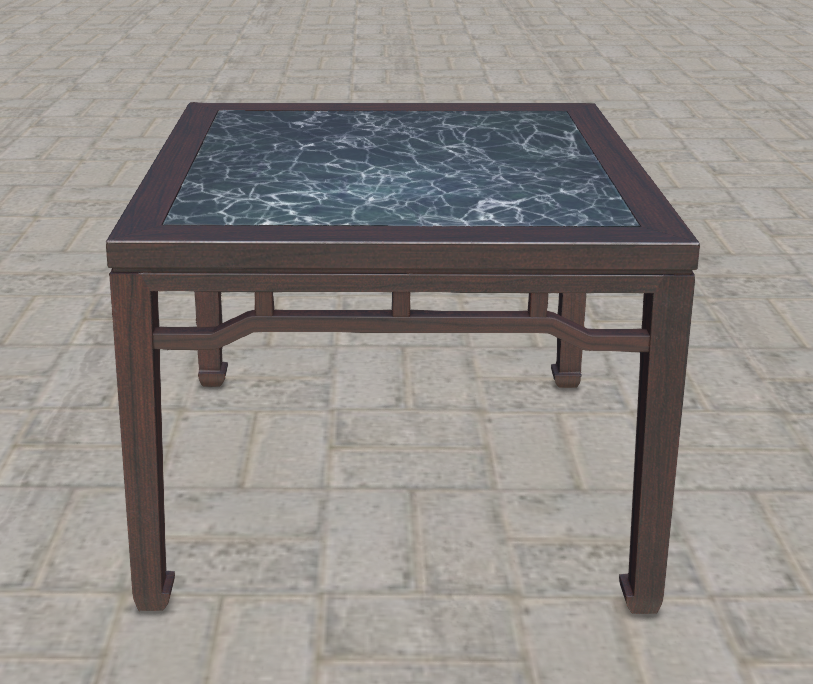
Video Demo - Creating a Non-PBR Material Switch Menu
We demonstrate how to create a non-PBR material switch menu based on the Non-PBR Material Switch Workflow.
In the video, I did not set a texture for the shadow part but used a blank texture instead. This is because I wanted the shadow part to remain unchanged when switching textures. Using a blank texture allows the parameter collection script to ignore this part of the texture.
After completing the creation, you can manually replace the shadow part’s texture with the correct one.